
Switching Rancher SSO Providers and not dying in the process
📆: 2026-03-03 - 🏷: blog, k8s, sso, rancher
Your magic rancher cluster, your battle horse, the heart of the company, super secure, behind Single-Sign-On, it all seems beautiful, and then your SSO changes…
Da problem
You got a Rancher Management Cluster deployment up and running tied to an SSO and your life is beautiful. All your consumers can log via the IdP (be it Okta, Auth0, Keycloak, Authentik, …) and you have configured permissionsets to have your teams looking at other teams workloads.
It’s definitely, a dream scenario… Until the IdP has to change (be it monetary, legal, moral reasons)…
You just discovered the pain you’re about to witness.
As of time of writing, Rancher does not support changing Authentication Providers. In fact, not only is not supported, it is catastrophic:
Disabling An Auth Provider
When you disable an auth provider, Rancher deletes all resources associated with it, such as:
- Secrets.
- Global role bindings.
- Cluster role template bindings.
- Project role template bindings.
- External users associated with the provider, but who never logged in as local users to Rancher.
– From: https://ranchermanager.docs.rancher.com/how-to-guides/new-user-guides/authentication-permissions-and-global-configuration/authentication-config#disabling-an-auth-provider
Thankfully there’s a stop switch for this, from the same page:
kubectl annotate --overwrite authconfig azuread management.cattle.io/auth-provider-cleanup='user-locked'– From: https://ranchermanager.docs.rancher.com/how-to-guides/new-user-guides/authentication-permissions-and-global-configuration/authentication-config#disabling-an-auth-provider
However, if you happen to be using SAML for your SSO integration, you can get
away with murder and not lose all your Authorization infrastructure. Heck
yoy even won’t need to disable the provider!
Swapping SSO configurations
It turns out that all SAML Authentication Providers in rancher are practically created equal.
type SamlConfig struct {
  AuthConfig `json:",inline" mapstructure:",squash"`

  // Flag. True when the auth provider is configured to accept a `Logout All`
  // operation. Can be set if and only if the provider supports `Logout All`
  // (see AuthConfig.LogoutAllSupported).
  LogoutAllEnabled bool `json:"logoutAllEnabled,omitempty"`

  // Flag. Can be set if and only if `LogoutAllEnabled` (above) is set.
  // When set `Logout All` is the only kind of logout accepted. A regular
  // logout request will be rejected.
  LogoutAllForced bool `json:"logoutAllForced,omitempty"`

  IDPMetadataContent string `json:"idpMetadataContent" norman:"required"`
  SpCert             string `json:"spCert"             norman:"required"`
  SpKey              string `json:"spKey"              norman:"required,type=password"`
  GroupsField        string `json:"groupsField"        norman:"required"`
  DisplayNameField   string `json:"displayNameField"   norman:"required"`
  UserNameField      string `json:"userNameField"      norman:"required"`
  UIDField           string `json:"uidField"           norman:"required"`
  RancherAPIHost     string `json:"rancherApiHost"     norman:"required"`
  EntityID           string `json:"entityID"`
}
# [...]
type PingConfig struct {
  SamlConfig `json:",inline" mapstructure:",squash"`
}

type ADFSConfig struct {
  SamlConfig `json:",inline" mapstructure:",squash"`
}

type KeyCloakConfig struct {
  SamlConfig `json:",inline" mapstructure:",squash"`
}

type OKTAConfig struct {
  SamlConfig     `json:",inline" mapstructure:",squash"`
  OpenLdapConfig LdapFields `json:"openLdapConfig"`
}

type ShibbolethConfig struct {
  SamlConfig     `json:",inline" mapstructure:",squash"`
  OpenLdapConfig LdapFields `json:"openLdapConfig"`
}
# From: https://github.com/rancher/rancher/blob/8573a14e49c17ba7d1693230914cf778baafa822/pkg/apis/management.cattle.io/v3/authn_types.go#L659-L679
They’re specializations of the same SamlConfig struct. Which is highly
convenient for the plot here.
What we need to do in this SSO Migration Operation is:
- Make triple sure that our new IDP will provide rancher with an equivalent
SAML assertion:
- Yes, technically you don’t need the exact same assertion, as you could specify the field names in the configuration form. But we’ll try to have the least amount of moving pieces here.
- Just… lie, really! Just lie to Rancher about who your provider is. You got
Okta and you wanna move to Keycloak? Change the metadata and settings and
Rancher really doesn’t care.
- Ok, technically it does care for the
OpenLDAPConfigpart, but I’ll bet that you’re… not using that so I get away with my narrative.
- Ok, technically it does care for the
- And also technically, rancher will still display the
$oldSsoNamebut point to your new one, I’m sure all your engineers won’t mind.
Getting the deal done
So, we begin!
Log in with your local admin account
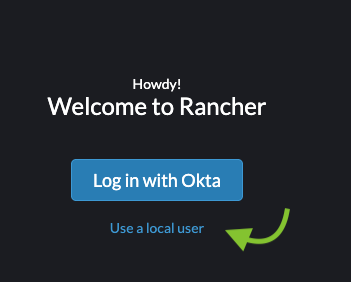
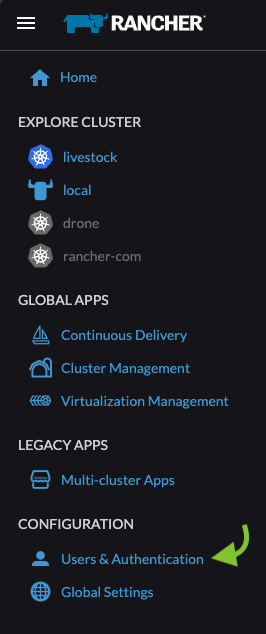
Open the menu (Hamburger icon):

Then click on “Users & Authentication”
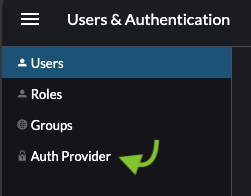
Then click on “Auth Provider”
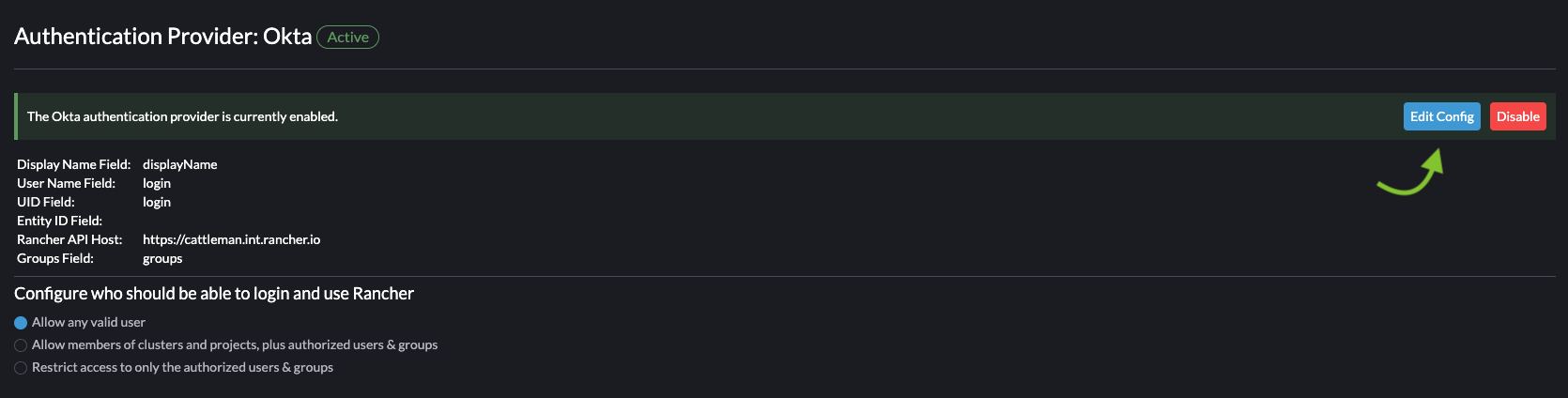
Click on “Edit Config” on your current Authentication Provider [Okta in my example]
And now feed the Certificate*1: and Metadata XML.
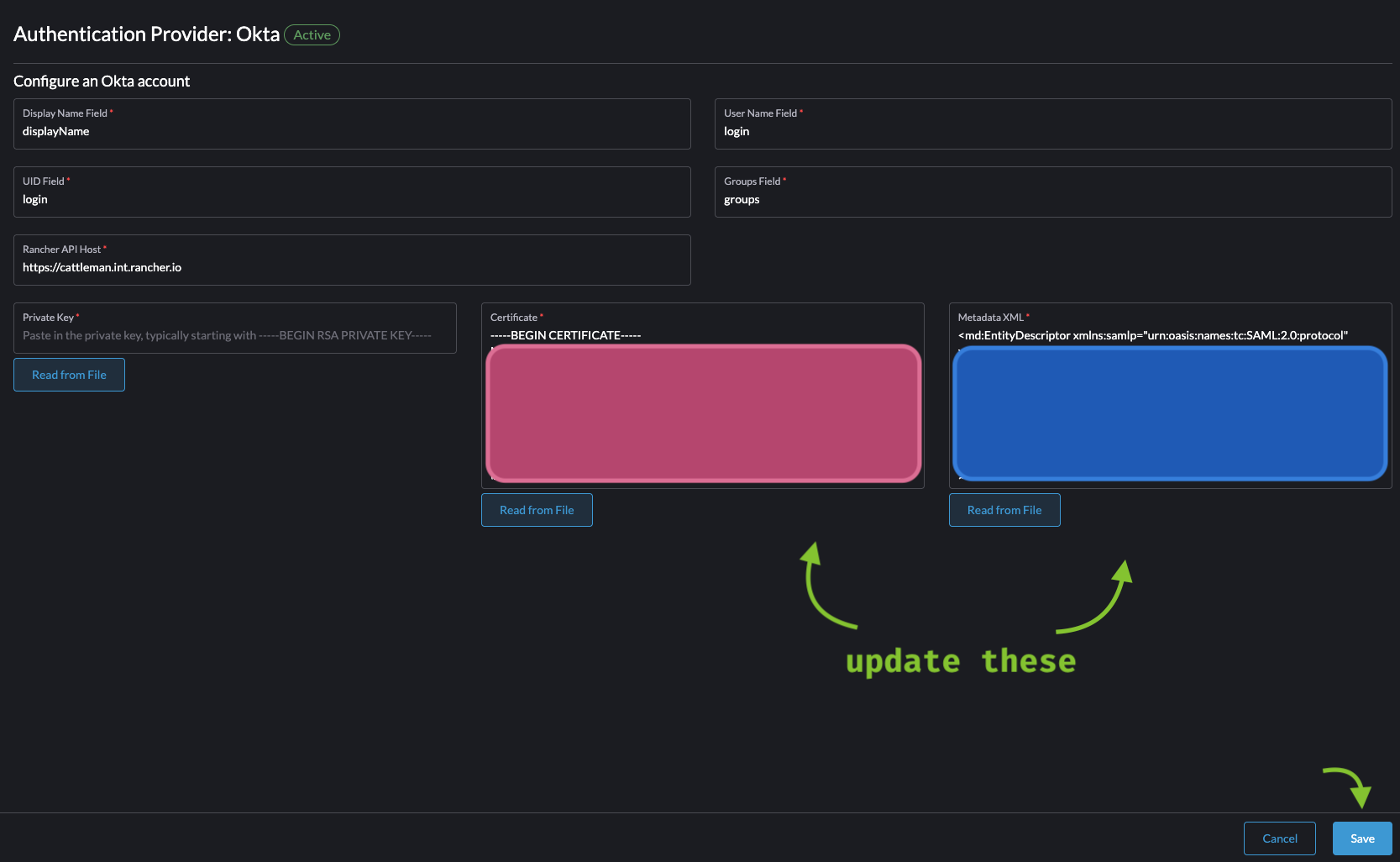
*1: Smol rant: The metadata XML has the certificates in it, why do I need to re-add the certificate in a field, and further more in armor format, so not even copy-pasting would save me from it e.e
Finally save and… the moment of truth! Go to your rancher cluster start page
again and click on “Login with $oldprovider”!
If your new IdP’s SAML Assertion matches exactly what was provided to Rancher before, you should have a fully working SSO integration without losing a single user 🚀🎉
If it doesn’t work right away, you’re probably suffering from rancher/rancher#53955… It turns out that rancher would look into the assertion attribute field contents by matching the “Friendly Name” (Human description) instead of “Name” (Canonical identifier of the attribute).
For completeness sake, in the [SAML 2.0 core specification][3], Section 2.7.3.1 is explained:
FriendlyName [Optional]
A string that provides a more human-readable form of the attribute’s name, which may be useful in cases in which the actual Name is complex or opaque, such as an OID or a UUID. This attribute’s value MUST NOT be used as a basis for formally identifying SAML attributes.
So… there’s that. That should be your only blocker… hopefully.
A few things to note
-
Rancher does not support IdP-Initiated Authenticated flow. As of time of writing the SAML Authentication flow in Rancher explicitly requires to click on the button as there’s a set of cookies that have to be set before processing the SAML Assertion.
-
As said before, your “Log in with
$provider” will still show the old provider, not dramatic but make sure to document it out, you will get questions. -
If you happen to have LDAP Auth provider configured and you want to change it to SAML, then this doesn’t really work for you :C